
1. File Types
- PSD File:
- Fully layered file for editing.
- Include smart objects for easy replacement of designs.
- High resolution (3000px+ recommended).
- Compatible with Photoshop CC+ (mention version).
- JPEG/PNG:
- High-resolution preview images.
- Use RGB color mode for online display.
- Include different angles or perspectives if possible.
2. Preview Images
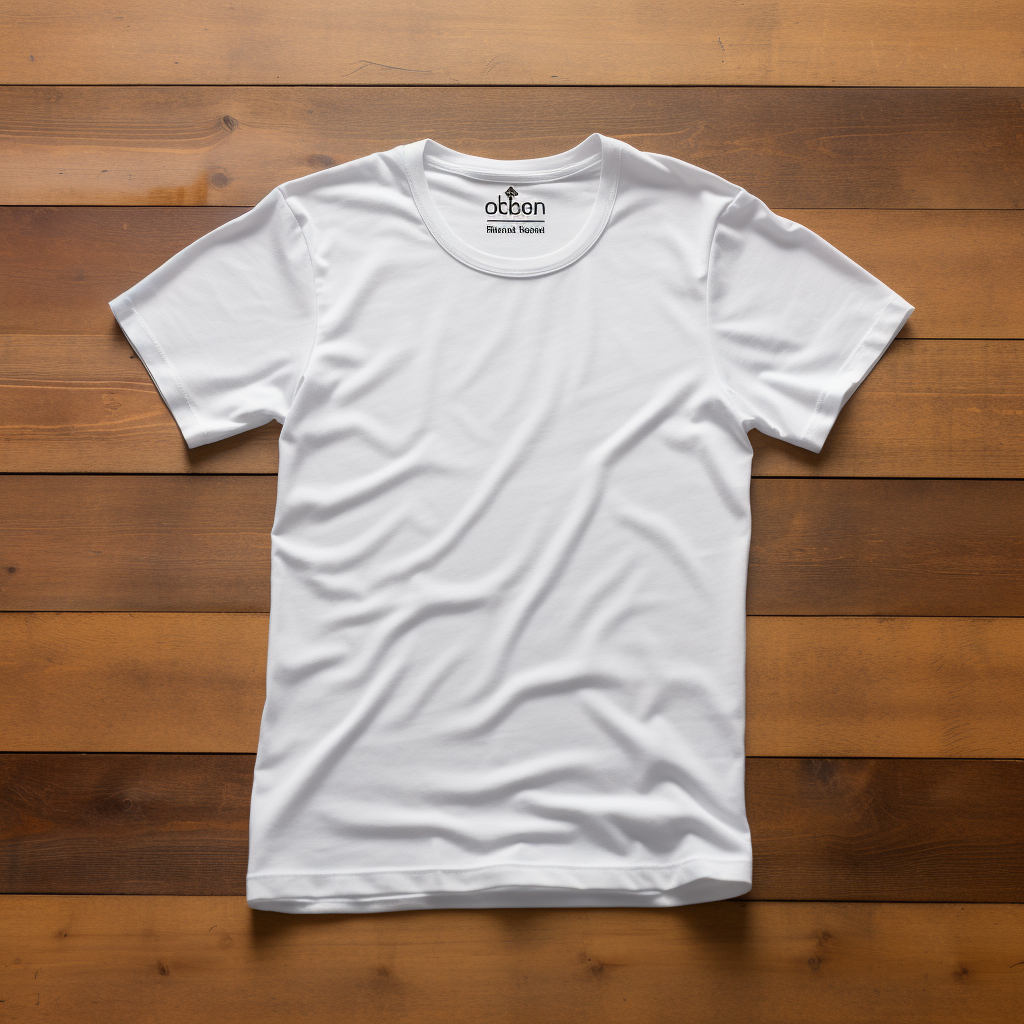
- Create at least 3–5 JPEG previews to show your mockup in use.
- Examples:
- Front view
- Side view
- Close-up details
- Lifestyle scenario (optional, like a phone or t-shirt being worn)
3. Resolution & Quality
- PSD: 300 DPI, RGB
- JPEG: 150–300 DPI
- Make sure all images are crisp, not blurry.
4. Product Description
Include:
- What the mockup is (e.g., “T-shirt Mockup with Smart Object Layer”)
- Format & compatibility (PSD, JPEG, Photoshop version)
- File dimensions and resolution
- Usage rights (commercial/personal use)
Example:
This is a high-resolution T-shirt mockup with fully editable PSD file. Smart object layers make it easy to replace your design. Perfect for showcasing your print-on-demand or client projects. Comes with 5 JPEG previews for presentation. Compatible with Photoshop CC and higher.
5. Keywords / Tags
- Include relevant keywords for better search:
- Mockup, PSD mockup, T-shirt mockup, Editable, Smart object, Print-on-demand, Digital product, JPEG preview
6. License / Usage
- Specify whether buyers can use it for personal, commercial, or unlimited projects.
- Include a small txt file in the download for instructions.
7. Packaging Files
- Zip all files (PSD + JPEG previews + README) into one download file.
- Keep folder structure simple:
MockupName/
PSD/
JPEG Previews/
README.txt
Reviews
There are no reviews yet.